Getting Started
Installation
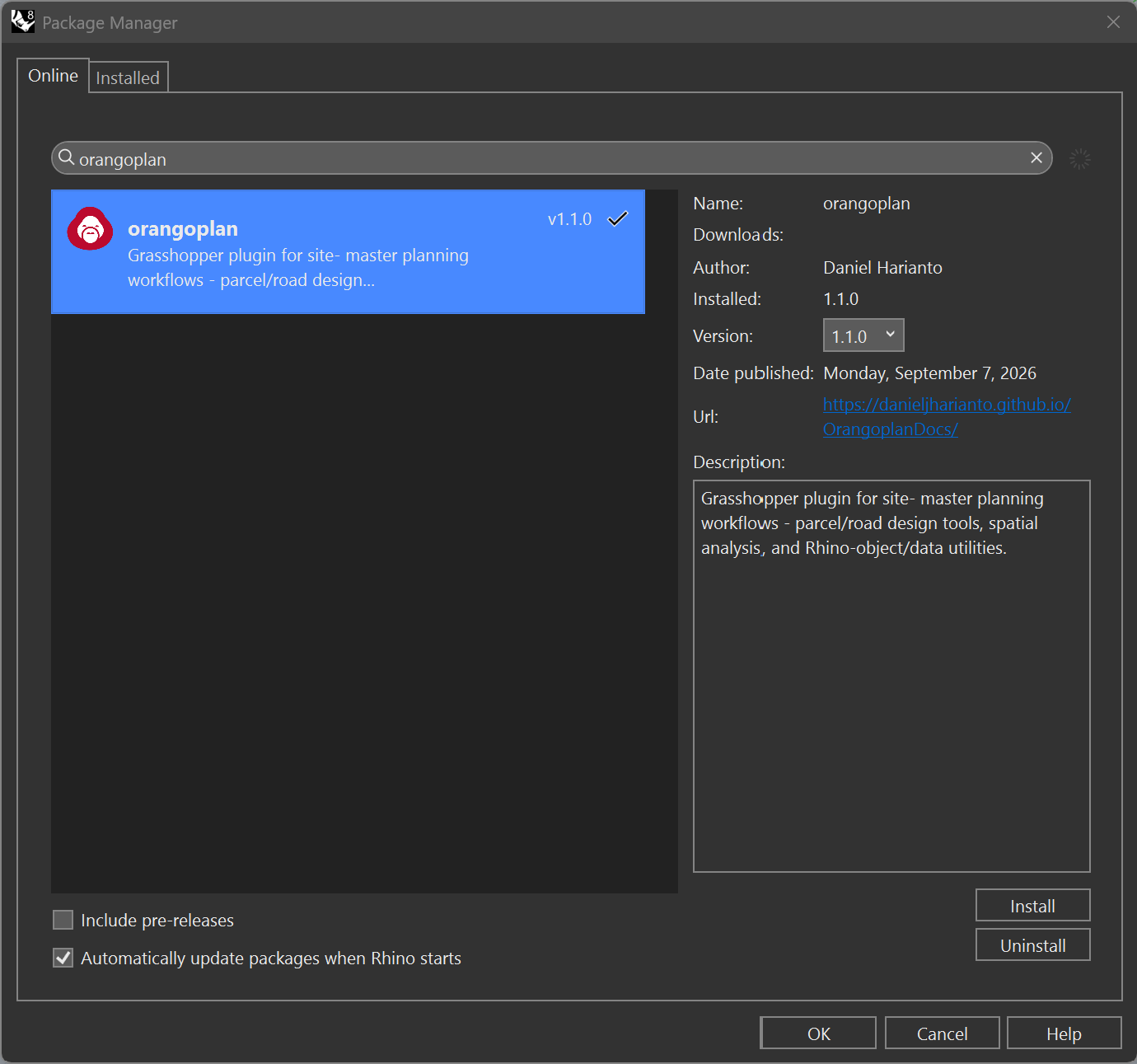
OrangoPlan is available through Rhino's Package Manager. In Rhino, run the _PackageManager command, search for orangoplan, and install. It can also be downloaded from Food4Rhino. Restart Rhino after installing to load the plugin.
System Requirements
Operating System: Windows 10 / 11 or macOS
- Software: Rhino 7 or later
- Environment: Grasshopper (included with Rhino)
Hardware:
- Minimum 8 GB RAM (16 GB recommended for large models)
- Multi-core CPU recommended for real-time analysis
Optional:
- CSV-compatible editor for modifying input parameters
- GIS software for data preparation and validation
Work in Progress
This project is currently under active development. Features and documentation may be incomplete or subject to change.